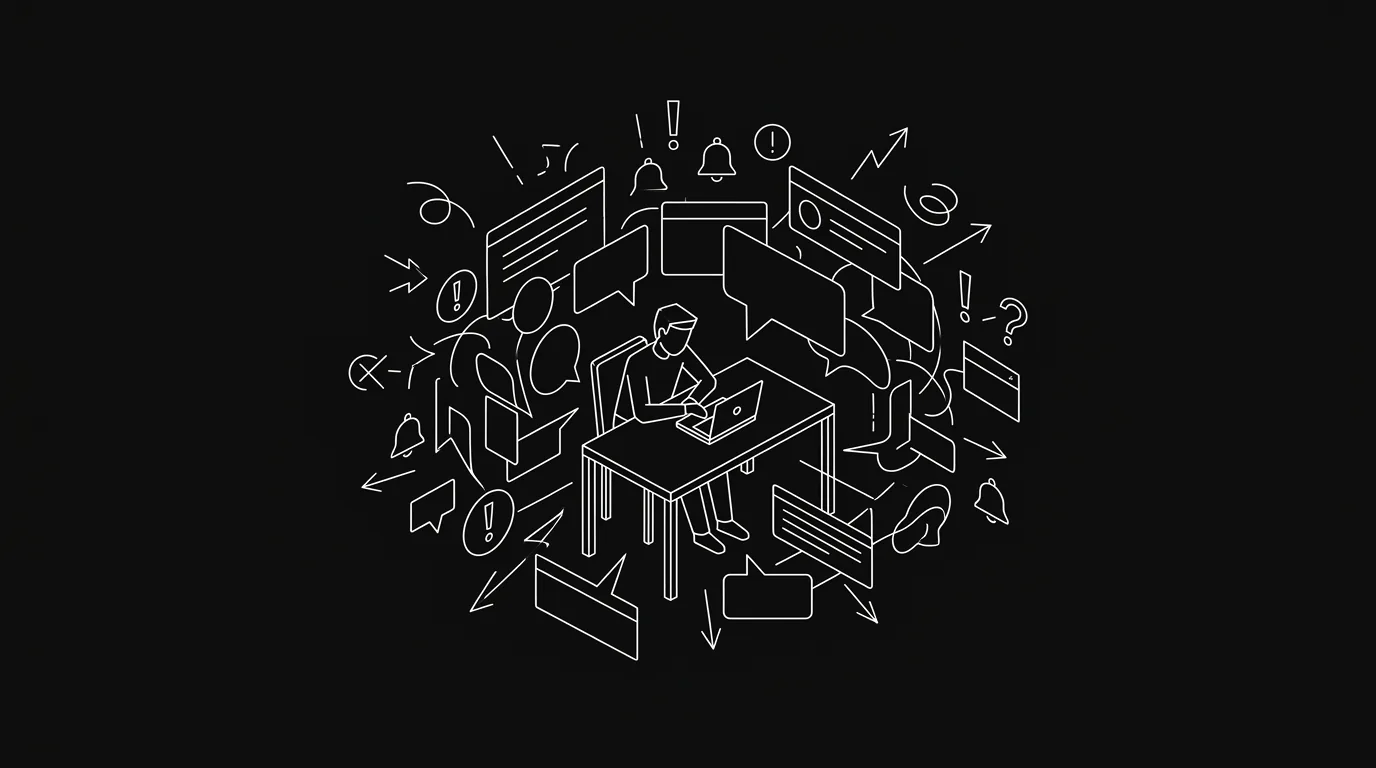
Notification overload at work doesn’t just feel annoying — it’s measurably expensive. Every interruption costs you around 23 minutes of recovery time, and the average knowledge worker now gets pinged roughly every 2 minutes during core hours. That’s not a distraction problem. It’s a structural one, and the structure is the tools.
The Bottom Line
- In 2025, Microsoft found that workers are interrupted approximately every 2 minutes during core hours — 275 times a day on average.
- Research by Gloria Mark at UC Irvine found it takes about 23 minutes to fully regain focus after an interruption.
- The American Psychological Association’s research on task-switching shows it reduces productive output by up to 40%.
- Most notification overload is self-inflicted by tools that default to noisy — the fix isn’t adjusting settings, it’s changing the tool’s default model.
- When every message is anchored to a task rather than a free-floating channel, signal separates from noise automatically.
What Does Notification Overload Actually Cost You?
The cost is compounding. In 2025, Microsoft’s Work Trend Index — “Breaking Down the Infinite Workday” found that workers are interrupted roughly every 2 minutes during core hours — about 275 interruptions per day. Each one resets your focus clock. UC Irvine researcher Gloria Mark found in her study “The Cost of Interrupted Work: More Speed and Stress” (CHI 2008) that it takes approximately 23 minutes to return to a task after an interruption.
Do the math on that: 275 interruptions a day, 23 minutes to recover from each one. You’d never actually recover. In practice, you stay in a shallow-work state all day and wonder why you’re exhausted by 5pm but feel like you got nothing done.
The volume problem is real too. The same 2025 Microsoft research found the average worker receives 117 emails per day and 153 Teams messages per weekday. That’s 270 inbound signals before you count Slack, notifications from your project tool, and whatever else is competing for your attention. The split tells you where the day goes: 57% of time spent communicating, 43% creating.
And it’s not just volume that hurts you. Every switch between apps and windows costs time you don’t notice losing. In 2022, Harvard Business Review’s “How Much Time and Energy Do We Waste Toggling Between Applications?” found workers switch between apps or websites roughly 1,200 times per day, spending about 4 hours per week — around 9% of annual work time — just reorienting after those switches. Not working. Not communicating. Just catching back up.
Why Multitasking Doesn’t Compensate
You might think you’ve adapted. Most people do. The American Psychological Association’s research on multitasking, “Multitasking: Switching Costs”, puts a number on the adaptation myth: task-switching reduces productive output by up to 40%. That 40% doesn’t go to the second task you switched to. It evaporates as switching overhead — the cognitive cost of context-loading a new task and context-unloading the old one.
Context switching isn’t a character flaw. It’s a mechanical cost built into how working memory operates. You can build habits to reduce it, but you can’t train your way out of physics. The only real lever is reducing the number of switches, which means reducing the number of things interrupting you — which brings you back to the tools. If you want a concrete process for that, the practical playbook for async communication walks through how to cut switches at the team level.
The Structural Problem: Tools That Default to Noisy
Here’s the part that rarely gets said plainly: most notification overload at work is self-inflicted by the design choices of the tools you use. The notifications aren’t random noise. They’re what your tools were built to send.
Take Monday.com’s notification model. Being “attached” to a board — even as a stakeholder, not the person running the project — generates a constant stream of notifications. The tool can’t distinguish between “you need to act on this” and “you’re technically affiliated with this project.” Teams hit this wall and work around it by retreating to “My Work” view only and ignoring everything else. The tool becomes an isolated silo where only your own tasks are visible and all the broader project context that was supposed to coordinate the team just… disappears into noise.
That’s not a Monday-specific bug. It’s a default-noisy design philosophy that most project tools share. The assumption is that more visibility is better, so err on the side of pinging everyone. The result is that people either mute everything (and miss real signals) or get worn down into shallow attention all day.
Slack has a different version of the same problem. Slack is a genuinely good communication tool. But project communication in a free-floating channel has no anchor. A question asked in a thread either gets answered quickly or gets buried by the next day’s conversation. Teams stop replying in Slack threads not because they’re disengaged, but because the thread was never attached to anything that would surface it again. The work gets lost. Someone asks about it a month later and nobody remembers.
Why Notification-Settings Whack-a-Mole Doesn’t Work
The standard advice is to adjust your notification settings. Mute this channel. Turn off badge counts. Schedule a Do Not Disturb window. This advice is not wrong — it helps at the margin. But it treats the symptom, not the cause.
Notification settings are a reactive filter on a system that defaults to noisy. You’re playing defense against your own tools, spending mental energy managing the settings for every app you use. When a new tool gets added to the stack, you start from zero again. When team norms shift, the settings that worked last month stop working.
The fix isn’t smarter filtering. It’s a different default model: a tool that defaults to quiet, where you’re only notified for things that genuinely need your input, because every message is anchored to a specific task and routed to the person responsible for that task.
This is the structural argument for async project management: not fewer notifications as a personal productivity hack, but a system architecture where signal is tied to accountability by design. On the individual side, the same model is what makes it possible to reach inbox zero every day without it becoming a second job.
What “Default Quiet” Actually Looks Like
The difference between a noisy tool and a quiet one isn’t primarily configuration — it’s the data model. When a message lives in a shared channel, the tool has no way to know who it’s actually for. So it notifies everyone attached to the channel and lets humans sort it out. When a message is anchored to a task with a clear owner, the tool knows exactly who needs to see it.
That’s the design principle behind Hypertask’s inbox: every message is attached to a ticket. You get notified for things where you’re the decision-maker, not for everything that happened on every board you’re affiliated with. The board defaults to quiet — you’re not on the receiving end of activity that doesn’t require your input. The AI Triage feature goes one step further. When items do accumulate in your inbox, a single button triggers a review: the AI reads each item, classifies it as safe to archive or needs your attention, and you approve or adjust the classification in bulk. It’s not magic. It’s a tool that does the initial sorting so you spend your attention on the items that actually need it. AI triage for your task board covers the mechanics.
That becomes more important once AI agents start posting status updates too: the same task-anchored inbox is what lets agents handling project management create work without creating a second notification firehose.
The broader point isn’t about any single feature. It’s that the inbox model — where every notification is anchored to the work it concerns — is categorically different from a channel model, where notifications are detached from the work and float free until someone either acts on them or they sink.
The Tab-Toggling Tax
One more cost worth naming: the time you spend navigating between tools isn’t just the seconds of switching. It’s the reorientation tax the HBR research quantifies — 4 hours per week of time spent catching up after switches you didn’t plan to make.
The underlying driver is tool fragmentation. Most teams run Slack for communication, a project tool for task tracking, email for external stakeholders, and a document tool for specs. Each tool sends its own notifications. Each one has its own notification model. The result is that you’re not just managing one inbox — you’re managing four, each with different rules, different urgency signals, and different noise floors.
Reducing that to a single inbox where all project-relevant communication lives doesn’t eliminate context switching. But it removes the accidental switching — the “I’ll just check Slack quickly” that turns into 15 minutes and resets your focus timer.
Frequently Asked Questions
What is notification overload at work?
Notification overload happens when the volume of incoming alerts — messages, pings, emails, app badges — exceeds your ability to process and prioritise them. In 2025, Microsoft’s Work Trend Index found workers receive an average of 117 emails and 153 Teams messages per weekday, plus being interrupted roughly every 2 minutes during core hours. The result is a fragmented attention state where sustained focus becomes structurally impossible.
How much does constant interruption cost in terms of productivity?
The research points to two compounding costs. UC Irvine’s Gloria Mark found it takes approximately 23 minutes to fully refocus after a single interruption. Separately, the American Psychological Association’s research on task-switching found it reduces productive output by up to 40%. These aren’t additive — they stack. A day of constant interruptions doesn’t just slow you down; it keeps you in a shallow-attention mode all day where deep work isn’t accessible.
Is context switching the same as multitasking?
They’re related but not identical. Multitasking means attempting to work on two things simultaneously. Context switching means moving attention from one task to another — even sequentially. Both carry a productivity cost, but context switching is the more pervasive problem at work because it happens involuntarily with every notification. The APA’s research found switching costs apply even when the switch feels minor and the tasks are unrelated.
Why do notification settings fail to solve the problem?
Settings are a reactive filter on a system that defaults to noisy. You can mute channels, schedule Do Not Disturb windows, and reduce badge counts — and you should — but you’re playing defense against your own tools. When team norms shift or new tools join the stack, the settings reset. The more durable fix is a tool whose default model ties notifications to task ownership, so the system only pings you when you’re actually the right person to act.
What’s the difference between a noisy tool and a quiet one?
It’s a data model question, not a settings question. Noisy tools send notifications for everything that happens in channels or boards you’re affiliated with — they can’t distinguish between “relevant to you” and “in your vicinity.” Quiet tools anchor every message to a task with a clear owner, routing notifications only to the people responsible for that item. The notification signal carries meaning because it’s structurally tied to accountability.
Where to Go From Here
If you’ve read this far, you already know adjusting your Do Not Disturb settings isn’t going to close the gap. The numbers are clear: 23 minutes of recovery per interruption, 4 hours of reorientation per week, 40% reduction in productive output from context switching. That’s the cost of building your team’s work around tools that default to noisy.
Hypertask’s inbox is built around the opposite default: every message anchored to a task, notifications routed to the person responsible, a board that stays quiet until there’s something that actually needs your input. If you want to see how it handles your specific workflow, you can book a demo — it takes 30 minutes and you’ll leave with a clear answer on whether it fits.
The Bottom Line
- In 2025, Microsoft found that the average worker is interrupted every 2 minutes during core hours and receives 270+ messages per day across email and chat — this isn’t a personal attention problem, it’s a structural one.
- UC Irvine research shows each interruption costs approximately 23 minutes of recovery time; the APA’s task-switching research puts the productive output cost at up to 40%.
- Harvard Business Review’s 2022 research found workers spend about 4 hours per week just reorienting after ~1,200 daily app switches — time that produces nothing.
- Notification-settings whack-a-mole treats the symptom. The cause is a default-noisy tool design where notifications are detached from task ownership.
- The structural fix is an inbox where every message is anchored to a task with a clear owner — so the system defaults to quiet and pings you only when you’re the right person to act.