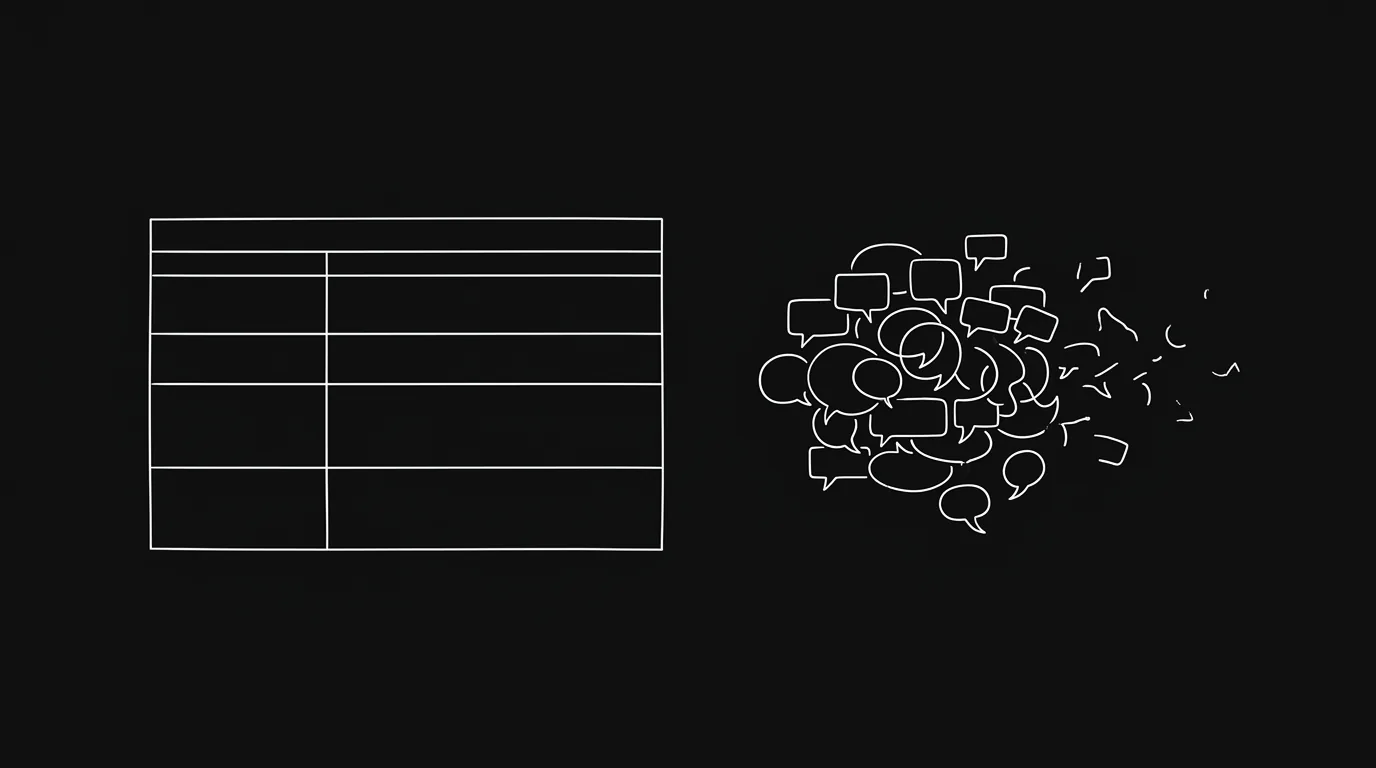
Async project management is a way of running a team where communication doesn’t demand an immediate response. Work gets discussed in the task where it lives, not in a Slack thread that disappears by Friday. Decisions are made when the right person is available, not when they happen to be online at the same moment as you. The goal is forward progress that doesn’t depend on everyone being in the same room — or the same timezone.
That’s the definition. The practice is harder, because most teams have the wrong infrastructure for it.
The Bottom Line
- Async project management means anchoring communication to tasks — not threads, not DMs, not email.
- The real enemy isn’t Slack or email. It’s context-switching: in 2022, Harvard Business Review found knowledge workers switch between apps roughly 1,200 times a day (HBR, 2022).
- Most teams adopt a project management tool, then keep discussing work in chat — leaving tasks as empty shells with no history.
- The fix is simple in principle: every message about a task belongs on the task. Getting there requires an inbox your team will actually use.
- AI triage can now do the classification work for you — surfacing what needs your attention and archiving what doesn’t.
What Does “Async” Actually Mean for a Project Team?
Async doesn’t mean slow. It means your team isn’t blocked waiting for a reply. In 2025, Microsoft’s Work Trend Index found knowledge workers are interrupted roughly every two minutes during core hours — around 275 times a day (Microsoft Work Trend Index 2025). That’s not a communication style. That’s a way of working that makes focus impossible.
The alternative is a team that checks a shared board once or twice a day, picks up what needs attention, posts updates on tasks, and moves on. No one is waiting to be pinged. No one is managing 14 open Slack threads. Work moves because it’s structured, not because everyone is online at the same time.
This isn’t a radical philosophy. It’s a discipline that requires the right tooling underneath it.
Why Real-Time Communication Quietly Kills Productivity
Here’s a number worth sitting with: in 2022, Harvard Business Review found that workers toggle between apps and websites roughly 1,200 times a day, spending about four hours a week just reorienting after each switch (HBR — “How Much Time and Energy Do We Waste Toggling Between Applications?”). That’s not time spent thinking. That’s time spent remembering where you were.
The deeper problem is context-switching cost. UC Irvine researcher Gloria Mark found that it takes roughly 23 minutes to fully refocus after an interruption (Gloria Mark, “The Cost of Interrupted Work,” CHI 2008). One Slack notification at the wrong moment doesn’t cost you 30 seconds. It costs you the rest of the focus block. We’ve gone deeper on the real cost of notification overload elsewhere, because the total bill is bigger than most teams realise.
Most teams feel this but can’t name it. They describe being busy without making progress. They describe ending the day having responded to everything and shipped nothing. They describe meetings that exist to recap Slack conversations that exist to recap a task board nobody updates.
The American Psychological Association puts the productive capacity lost to task-switching at up to 40% (APA — “Multitasking: Switching Costs”). That’s not an edge case. That’s almost half your team’s week.
The Tool Adoption Trap: Why Your PM Tool Isn’t Working
Here’s what actually happens when a team adopts a project management tool: the first two weeks go well. Tasks get created. Boards look structured. Then someone has a quick question about a task, and rather than leaving a comment on the ticket, they fire off a Slack DM. Then someone replies in Slack. Then someone else gets looped in on Slack. The ticket never gets updated.
Within a month, the board is a graveyard. Tasks accumulate but nothing reflects the real state of work. Decisions get made in chat and nobody records them in the task. When someone new joins — or when you need to understand why a decision was made six weeks ago — the information is gone.
This is why Hypertask exists. Valentin Yeo built the first version after running a startup where the team had a project board but all the real communication happened in Slack and email. He tried the inboxes in ClickUp and Notion. People just didn’t reply inside the tool. The board existed but the work happened elsewhere.
The problem isn’t that your team doesn’t care. It’s that the inboxes inside most project tools are afterthoughts. They’re hard to scan, slow to load, and don’t surface what actually needs attention. So people default to chat — which is fast, familiar, and terrible for structured work. It’s worth understanding why your team stopped replying in Slack threads in the first place, because the pattern repeats in every tool with a weak inbox.
Async vs Real-Time: When to Use Which
Async-first doesn’t mean “never have a meeting.” It means choosing the right mode for the right kind of communication. Here’s a practical guide.
| Communication type | Best mode | Why |
|---|---|---|
| Task updates, status changes | Async (task comment) | Creates a searchable record, no reply needed |
| Quick yes/no decisions | Async (task comment with deadline) | Owner can reply when focused, not interrupted |
| Complex decisions with trade-offs | Sync (short call) + async summary | Real-time for nuance, written record for accountability |
| Creative feedback on work in progress | Async (comment with specifics) | More thoughtful than verbal, no scheduling overhead |
| Urgent blockers | Sync (call/DM with explicit “blocking X”) | Blocking means someone can’t move forward — it’s a real exception |
| Team-wide announcements | Async (announcements channel or board post) | Everyone reads on their own schedule |
| Brainstorming | Sync or structured async | Depends on the team; async brainstorms work better than most people expect |
The pattern: default to async, escalate to sync when the nature of the conversation genuinely requires it. Most conversations don’t. If you want the operational detail behind this, our practical playbook for async communication on remote teams covers how to set the defaults and hold them.
The Real Problem: Project Communication Belongs in Your Project Tool
Slack is a good tool. It’s fast, it has good search, and most teams are already there. The issue isn’t Slack — it’s using Slack as the place where project decisions live.
When a decision about a task happens in Slack, the task has no record of it. When a stakeholder asks why a design changed, you’re scrolling back through two months of DMs. When someone new joins, they have no visibility into the conversations that shaped the work they’re picking up.
The stronger framing isn’t “stop using Slack.” It’s: every message about a task belongs on the task. Slack is fine for social, for announcements, for the random banter that makes a remote team feel like a team. But when a Slack message is actually about a specific piece of work, it should be a comment on that task — not a thread that evaporates.
A mid-size agency owner described the pattern well: for every task they wanted to keep alive in Slack, they had to update four different places. The task, the Slack thread, the project channel, and whoever was directly responsible. One update became four. Four became twelve. Teams that work this way don’t have a productivity problem. They have a coordination tax.
The fix isn’t a better Slack workflow. It’s moving the conversation to where the work lives — and then keeping that inbox clear, which is its own discipline we cover in how to reach inbox zero every day, even with a busy team.
The Async Tooling Landscape
Not all tools support async work equally. Here’s an honest comparison of the main categories.
| Tool type | Examples | Async strength | What breaks |
|---|---|---|---|
| Chat tools | Slack, Teams | Fast, familiar | No task context, threads get buried |
| Doc tools | Notion, Confluence | Good for reference | Poor for action items, no inbox |
| Traditional PM | Asana, Monday, ClickUp | Structured tasks | Inboxes are afterthoughts, drift to Slack |
| Developer PM | Jira, Linear | Strong for engineering | Siloed from non-technical work |
| Async-first PM | Hypertask | Board + world-class inbox | Newer, smaller community |
If you are comparing async execution against AI calendar planning, the Motion alternative guide covers when automatic scheduling is the right fit and when an agent-ready task board is the better operating layer.
The honest observation: most traditional PM tools have a notification problem. They fire alerts for everything — every comment, every status change, every @mention — and create the same overload they were supposed to solve. One team described only being able to work from the “My Work” view because the general inbox became completely unusable. The tool existed, but it wasn’t working the way it was supposed to. We walk through one team’s path from 200 notifications a day to inbox zero if you want to see what the turnaround actually looks like.
What an Async-First Board Actually Looks Like
An async-first project management setup has a few non-negotiable properties.
Every message is anchored to a task. Not to a channel, not to a thread — to the specific ticket it concerns. If someone has a question about the landing page copy, that question lives on the landing page task. When you open the task, you see the full conversation history.
The inbox surfaces what needs attention — nothing more. You shouldn’t have to scroll through 200 notifications to find the two things that actually need your input today. A good inbox is filtered: it shows you tasks where someone replied, tasks you’ve been assigned, tasks that are blocked. Everything else stays out of the way until you want it.
Archiving is the outcome, not the exception. The goal is inbox zero — not “managing” your notifications, but actually clearing them. This sounds aggressive, but it’s achievable when every inbox item is tied to a task with clear context. You read it, you reply if needed, you archive it.
Status updates happen in the task, not in meetings. The Monday standup exists to answer “what’s everyone working on?” In an async-first setup, that question is answered by the board. You look at the Doing column and see what’s in progress. You look at new comments on tasks and see what’s changed. The meeting isn’t necessary for the information — only for connection, which is a different and legitimate reason to have it.
How AI Triage Changes the Equation
Hypertask shipped an AI Triage button in the inbox on 2026-03-28. The way it works: you open your inbox, hit AI Triage, and the AI reads every item, classifies what’s safe to archive versus what needs your attention, and presents you with a categorised list. You approve, and it bulk-archives everything that doesn’t need a response.
This matters because the bottleneck to inbox zero isn’t always willpower. It’s classification time. Going through 40 inbox items one by one and deciding “does this need me?” is cognitive work that adds up. The AI does that classification work upfront, so you spend your time on the actual decision-making — the things that genuinely need a human response.
The reaction from teams who’ve seen it is consistently the same: they describe it as the thing that makes inbox zero feel realistic rather than aspirational. One user called it “very, very sexy for the big team working.” That reaction tells you something about how bad the baseline was. If the manual upkeep is what’s draining you, here’s the case for letting AI triage your task board instead of updating it by hand.
How This Connects to AI Agent Workflows
There’s a version of async project management that goes further: instead of human teammates posting updates asynchronously, AI agents do the work and post their progress to the same board.
This isn’t a distant future thing. Teams using Claude Code, Cursor, and similar tools are already running agents that complete tasks and post results as comments. The challenge is visibility: when an agent runs overnight and completes a batch of tasks, you need a way to see what it did, review the output, and know what needs your attention in the morning.
An async-first project board — with a structured inbox and task-level comments — is exactly the infrastructure agents need to communicate with humans. The agent posts its result on the task. You see it in your inbox. You review and approve or leave feedback. The agent picks up your reply in its next run.
This is async collaboration between humans and agents running on the same board. It’s the same discipline, extended to a new class of participant.
Read more about that pattern in AI agents in project management — the complete guide.
Frequently Asked Questions
What is async project management?
Async project management is a way of running team coordination where no one needs to be available at the same time for work to move forward. Communication about tasks lives on the task itself — as comments, status updates, and attachments — rather than in a chat thread or meeting. The result is a team that can make decisions and ship work across timezones and schedules without constant real-time availability.
Does async project management work for small teams or only large ones?
It works well at both ends. Small teams often benefit most: fewer people means a higher coordination cost per person when meetings proliferate. A two-person team running async doesn’t need a daily standup to know what’s happening — they look at the board. For larger teams, async disciplines become more valuable as the coordination overhead grows. The main signal that you need it isn’t team size — it’s whether your team is spending more time in chat about work than doing work.
How do you stop people from defaulting back to Slack?
You don’t ban Slack. You make the project tool’s inbox worth checking. The main reason teams drift back to chat is that the PM tool’s inbox is unusable — too noisy, too slow, too hard to parse. When the inbox shows only what genuinely needs attention and lets you clear it in minutes, checking the tool becomes lower friction than checking Slack. The discipline follows the tooling. If the tool fights you, no amount of team policy will hold.
How is async project management different from just having a task board?
A task board without communication discipline is a list of things that may or may not reflect reality. Async project management means discussion and decisions happen inside the task, so the task has a full history: what changed, why, and who decided it. The board is then a reliable source of truth rather than a separate system that everyone maintains manually alongside the chat tool where the real work happens.
What role does AI play in async project management?
Two roles, currently. First, AI triage: an AI can read your project inbox, classify items that need your attention versus items that can be archived, and help you reach inbox zero faster. This removes the classification work and leaves you with only the decisions. Second, AI agents as participants: AI agents can pick up tasks from the board, do work, and post their results as comments — the same way a remote teammate would. Both patterns rely on the same infrastructure: a task board with a structured inbox and task-level comments.
Give It a Structured Try
If your team is currently doing most of its project communication in Slack or email, the first move is simple: pick one project and for the next two weeks, make a rule that every message about that project goes on the relevant task, not in chat. It’s uncomfortable for about three days. After that, you’ll notice something: the task has a real history for the first time. You can open a ticket from two weeks ago and understand exactly where it stands and why.
That’s what async project management actually feels like in practice. Not a philosophical commitment to some new way of working — just every message in its right place.
Hypertask is built for exactly this workflow. The board is keyboard-first and fast. The inbox is designed to reach zero. The AI triage ships work with the tool, not as an add-on. If you’re already running async workflows, take a look at the features. If you want to see whether it fits your setup, book a 20-minute demo. Or just start free and see for yourself.
The Bottom Line
- Async project management isn’t a process change — it’s an infrastructure decision. The right tool makes the discipline possible; the wrong tool makes it impossible.
- Real-time chat is fine for social and urgent escalations. Project communication belongs on the task, with a full history anyone can read later.
- The inbox is the key variable. If your team’s PM tool has an inbox nobody uses, the team will default to chat and the board will stop reflecting reality.
- AI triage makes inbox zero achievable at scale — the AI classifies, you approve, everything gets cleared.
- Async infrastructure that works for human teammates also works for AI agents: same board, same inbox, same comment thread, different participants.