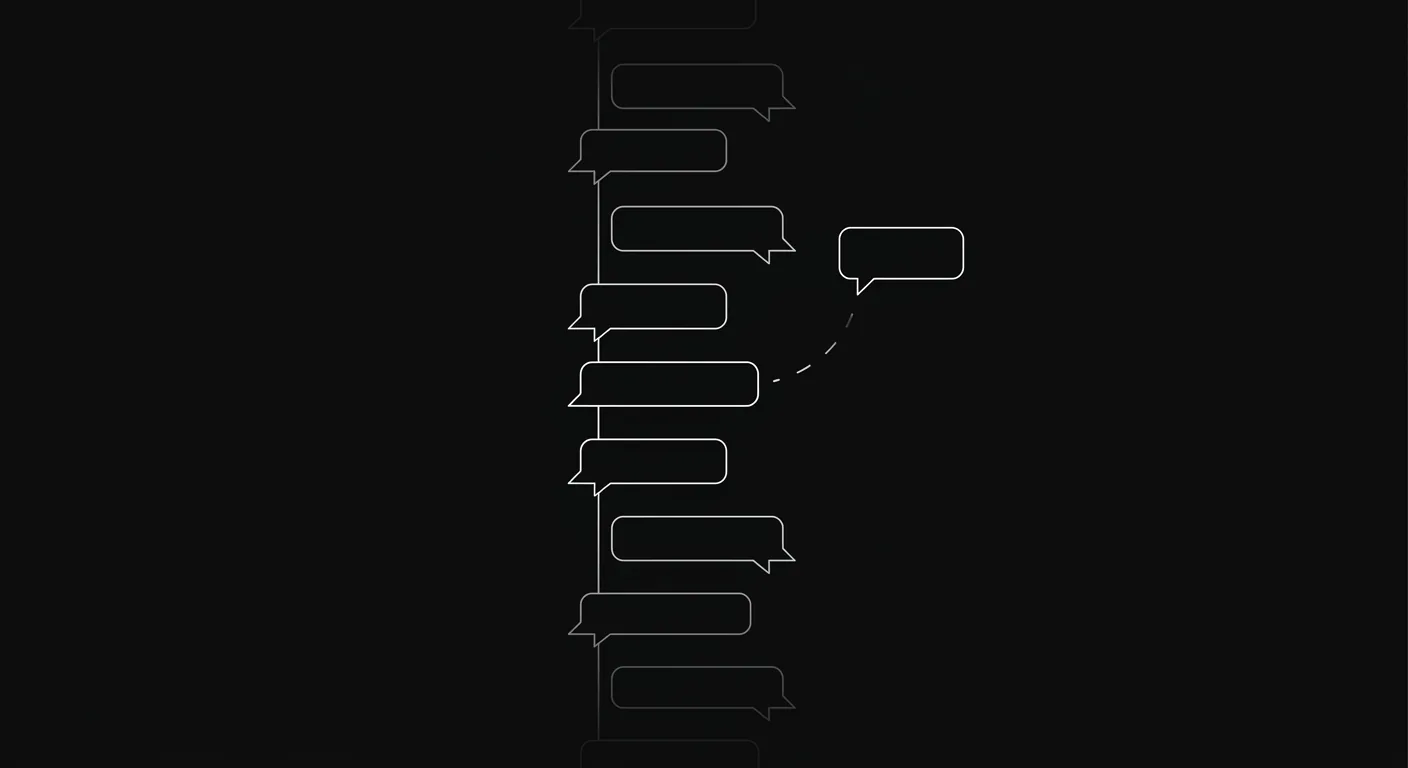
Your team didn’t stop replying because they’re lazy or disorganised. They stopped replying because a Slack thread has no state. There’s no owner, no due date, no status — so when the thread scrolls off screen, it’s gone. The work it represented didn’t disappear. It just became invisible.
That’s the structural problem. And no amount of Slack discipline fixes it.
The Bottom Line
- Slack threads get lost even on well-run teams, because threads carry no state: no owner, no due date, no next step.
- The fix isn’t more Slack discipline. It’s putting project communication where the project lives.
- Every message anchored to a task inherits the task’s owner and status — so nothing can go quiet without someone noticing.
- Moving project discussion out of Slack doesn’t mean abandoning Slack. It means using each tool for what it’s actually good at.
The Thread Police Problem
Some teams try very hard to use Slack correctly. They have rules: every topic gets its own thread, you reply in threads not in channel, you link to the relevant ticket. It’s exactly the kind of discipline a solid async communication playbook asks for. One founder I spoke with described himself and his co-founder as “thread police” — they enforced that discipline religiously, and still found themselves six months later discovering tasks that had gone quiet in threads nobody had touched since January.
His description of what happened: the thread would get lost in the back-and-forth until a month later, someone would ask “hey, what happened with X?” And the answer was always some version of: it got buried.
That’s not a people problem. That’s a tool problem.
Slack is genuinely good at what it’s designed for. Real-time conversation, quick questions, social signalling, announcements that need a reaction right now. Slack is not designed to track whether a thing got done. It has no mechanism for that. A thread that goes unanswered is identical to a thread that’s resolved — both just look like the last message was from three days ago.
Why “Just Update the Ticket” Doesn’t Work Either
The standard advice is: “keep Slack for chat, and update your tickets in Jira/Linear/Notion.” Most teams have tried this. Most teams know it doesn’t hold.
The reason is friction. Updating a ticket in a separate tool is a context switch, and that switching has a real cost that adds up across the day. You’re mid-conversation in Slack, you reach an actionable conclusion, and then you need to open another tab, find the right ticket, write a comment that summarises what just happened in Slack, and then come back. That’s maybe two minutes of overhead — but it’s two minutes that happens on every single decision, and it requires everyone in the thread to do it, not just one person.
What actually happens in practice: one person updates the ticket inconsistently, or nobody does, and the ticket sits as a shell with a title and a status but no record of what was discussed.
I ran into this at the company I was working at in 2019. We had a project board — ClickUp at the time — and I tried to get people to communicate inside the tasks. They wouldn’t. So the tasks sat there, accurate in theory, empty in practice, and the real conversation happened in Slack where it promptly got lost.
I tried the same thing with Notion. Same result. Different tool, same problem.
The inboxes in both tools were afterthoughts. They looked like email clients stapled to a task board, and they felt like a punishment to use. Nobody wanted to go there. It wasn’t that my team was undisciplined — it’s that the friction of replying inside the task was higher than the friction of sending a Slack message, so they chose Slack every time.
What a Thread Doesn’t Have That a Task Does
This is the structural argument, and it’s worth being precise about it.
A Slack thread has:
- Messages in sequence
- Reactions
- The person who started it
A task on a project board has:
- An owner (accountable, singular)
- A status (open / in progress / done)
- A due date
- A history of every state change
- Comments that persist and are searchable
When you move a decision into a Slack thread, you strip away all the structure that makes work trackable. The decision might be sound. The next step might be clear to everyone in the room (or the channel). But there’s no system enforcing it. The next step exists only in someone’s head — and heads forget.
This is why even “thread police” teams lose work. Discipline can keep threads tidy. It cannot give a thread an owner. It cannot make a thread show up in someone’s inbox every morning until it’s resolved. Threads don’t resurface automatically when they go stale — you have to go looking for them, which means you only find the ones you already remember to look for.
The work that gets missed is always the work you forgot to look for.
The Complement, Not the Replacement
Slack isn’t going anywhere, and it shouldn’t. It’s excellent for the things it’s designed for: spontaneous conversation, quick yes/no questions, team culture, announcements where you want an emoji reaction in the next ten minutes.
The argument isn’t “stop using Slack.” The argument is: your project communication belongs in your project tool, not in Slack. That’s the same principle behind a calmer async project management setup — each kind of message lives where it can actually be tracked.
Once agents join the team, the same boundary matters even more. A project board shared by AI agents and people keeps machine updates attached to owners, status, and decisions instead of adding another stream to Slack.
When I was building Hypertask, the insight that shaped the inbox design was this: the reason people don’t reply inside tasks isn’t that they don’t care about the task — it’s that the experience of replying inside most PM tools is worse than sending a Slack message. So the solution isn’t to tell people to use the PM tool. It’s to make the PM tool’s inbox as fast and frictionless as Slack, so the gap disappears.
That’s where the Superhuman analogy comes from. Superhuman didn’t convince people to process email differently by adding more features. It made the fundamental act of handling an email faster and more satisfying — keyboard shortcuts, instant archive, triage-first design — until the inbox stopped feeling like a chore. Hypertask tries to do the same thing for internal project communication.
For replies you write often, Superhuman-style snippets in Hypertask insert saved text from the keyboard inside tasks and comments.
Why Anchoring Messages to Tasks Changes Everything
When a message lives inside a task instead of in a Slack thread, something structurally different happens.
The message inherits the task’s owner. If the task is assigned to Priya, and a message sits unread on that task, Priya’s inbox shows it. Not as one of 400 Slack notifications — as a message on a task she owns and is responsible for. The accountability is built into the structure.
The message inherits the task’s status. If the task is open, the message is part of an open conversation. If the task is closed, the conversation is over. Nobody needs to declare a thread resolved. It resolves when the work is done.
The message is findable. Three months later, when someone asks “wait, what did we decide about the API rate limits?” — the answer is in the ticket, not buried somewhere in #eng-general under 900 messages from December.
This isn’t about forcing people to use a less convenient tool. It’s about building a system where the communication is structurally inseparable from the work — so when the work is tracked, the conversation is tracked with it. That’s also what makes it possible to reach inbox zero on a comms inbox you can actually clear, instead of an endless channel feed.
The Practical Transition
Most teams don’t need to overhaul everything at once. The transition that tends to work is narrower than people expect.
Start with one class of communication: decisions. Anything that requires an explicit yes/no, a scope call, or a design choice goes into the task as a comment, not into Slack. Everything else — quick questions, coordination, “hey are you around?” — stays in Slack where it belongs.
Within a few weeks, something shifts. People start to notice that the decisions they made in Slack are harder to find than the ones they made in the task. The ones in the task are just there, attached to the right ticket, readable by anyone who picks up the work later. The Slack decisions require memory, search, and luck.
That contrast does more to change behaviour than any amount of policy or process.
One thing that also helps: when the PM inbox itself is genuinely fast to use. If replying to a task comment takes the same two keystrokes as replying in Slack, the friction argument disappears. The check on whether your current tool passes this test: when you get a notification that someone commented on a task, do you open the task and reply there, or do you paste a Slack message to the person instead? If it’s the latter, the tool’s inbox isn’t fast enough.
Fast input can mean more than keyboard shortcuts: the Whisper-powered voice input docs show how Hypertask handles dictated comments and task descriptions when typing is the bottleneck.
Frequently Asked Questions
Why do Slack threads get lost even when teams are disciplined about using them?
Slack threads have no state. There’s no owner, no due date, no status that changes when the work is done. A thread that’s waiting on a decision looks identical to a thread that’s been resolved — both just show a timestamp of the last message. Discipline keeps threads tidy, but it can’t make them resurface automatically when they go stale. The work you forgot to check for is the work you miss.
Should we stop using Slack for project communication entirely?
No. Slack is genuinely good at real-time conversation, quick questions, announcements, and team culture. The change worth making is narrower: project decisions and task-related discussion belong in the task tool, not in Slack. That way the decision record lives where the work lives. Everything spontaneous and conversational can stay in Slack.
Why don’t people reply inside tasks in tools like Jira, Notion, or ClickUp?
The inbox in most PM tools is an afterthought. It’s slower to reach, harder to navigate, and less satisfying to interact with than Slack. When replying in a task requires more steps than sending a Slack message, people choose Slack every time — not because they’re ignoring the task, but because friction wins. The fix is an inbox that’s as fast as Slack, not a policy that tells people to use a slower tool.
How is a task comment structurally different from a Slack thread?
A task comment inherits the task’s owner, status, and due date. If the task is open and a comment is unread, the owner sees it in their inbox until they deal with it. A Slack thread has none of that — it has messages and reactions, but no accountability structure underneath. One resurfaces automatically; the other requires you to remember to go looking for it.
What’s the fastest way to start moving project communication out of Slack?
Start with one type of message: decisions. Any message that represents a choice, a scope call, or a next step goes into the relevant task as a comment. Everything else stays in Slack. Within two or three weeks the contrast becomes visible — decisions in tasks are findable and accountable, decisions in Slack require archaeology. That contrast tends to do the convincing on its own.
The Bottom Line
- A Slack thread has no owner, no status, and no due date — so unanswered threads and resolved ones look identical, and the missed work is always the work you forgot to look for.
- “Just update the ticket” breaks down because friction wins every time. When replying inside a task takes more steps than sending a Slack message, people choose Slack.
- The structural fix is anchoring messages to tasks, not enforcing more Slack discipline. A message inside a task inherits the task’s owner and status — it can’t go quiet without someone noticing.
- This isn’t about replacing Slack. Real-time chat, quick questions, and team culture belong in Slack. Project decisions belong in the task tool. Using both correctly is the whole point.
- The test for your current setup: when you get a task comment notification, do you reply in the task or paste a Slack message instead? If it’s the latter, the inbox isn’t fast enough yet.
If this matches a pattern you recognise, the features overview at Hypertask shows how the inbox is designed to close that gap. Or start free and see whether your team replies inside the task when the friction is actually gone. That test tends to be fairly quick.