
A 12-person creative agency was running three tools at once: Slack for quick questions, WhatsApp for client-facing updates, and a project board that nobody fully trusted. By the time a message needed a reply, nobody could find where it had been sent. They weren’t disorganised people. They had a structure problem. This is how they fixed it by moving to async project management without notification overload — and what changed when every message finally had a home.
The Bottom Line
- The team’s unstructured back-and-forth dropped dramatically once every conversation was anchored to a specific task — not a channel or a chat thread.
- The inbox-zero approach works for project boards the same way it works for email: you process items to empty, not to “managed chaos.”
- Several small teams report communicating more after switching, not less — the difference is that conversations are now attached to something actionable.
- The hardest part isn’t the tool. It’s accepting that a notification you can’t trace to a task is a notification that probably shouldn’t exist.
- According to Microsoft’s 2025 Work Trend Index, knowledge workers are interrupted roughly every two minutes during core hours. The teams in this story found a way out of that loop.
What Was Actually Broken?
The agency’s setup looked normal from the outside. Slack channels were organised, threads were enforced, the project board had columns. What looked like discipline was actually fragile: messages that belonged together were split across tools, and nobody could update the board in real time without interrupting what they were doing.
The Microsoft 2025 Work Trend Index found that knowledge workers face interruptions roughly every two minutes during core hours — around 275 times in a workday (Microsoft Work Trend Index 2025). For this team, those interruptions weren’t random noise. They were the cost of a system where task context lived in too many places at once — and that cost compounds in ways most teams never measure, as the breakdown of the real cost of notification overload makes clear.
The agency’s lead designer described the feeling accurately: hours of back-and-forth messages to accomplish what should have taken one thread anchored to one task. The time wasn’t wasted on bad decisions — it was wasted on finding where the conversation was.
The Slack Thread Problem They Hit First
Before the agency tried anything new, they tried discipline. They assigned someone to enforce thread structure in Slack. If a reply landed in the wrong place, it got moved. If someone created a new message instead of threading into the right channel, they heard about it.
It didn’t hold. It never does — and the research on why teams stop replying in Slack threads explains the structural reason clearly. You can police a channel, but you can’t police the cognitive overhead of remembering which thread a decision belongs to, especially across a week of context.
The operators who spend the most energy on Slack discipline — the ones who enforce threading religiously, who have a channel for every department — often describe the highest levels of frustration. They’ve optimised the tool to its limits and still find themselves updating four different places for a single task. The problem isn’t discipline. It’s architecture.
What this agency found, eventually, is that the fix isn’t making Slack more structured. It’s removing Slack from the task-tracking loop entirely and giving every conversation a task to live inside.
The Switch: One Board, One Inbox
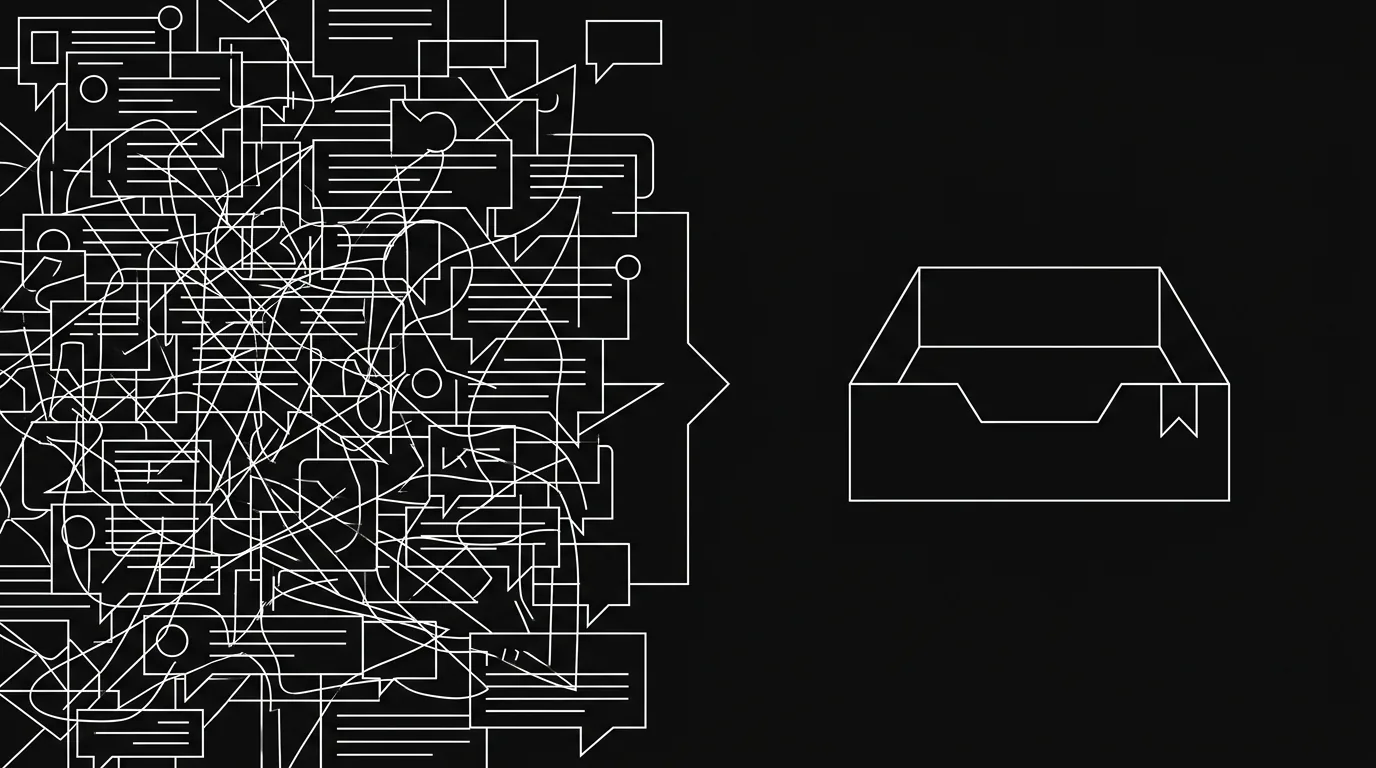
The change the agency made was structural. They moved their project coordination to a single board where every message, update, and decision was attached to a task. Not a channel. Not a thread. A ticket — with a status, an owner, and a history.
The inbox model is the key concept here. Instead of checking multiple tools for updates, each team member had one view: their inbox, showing only items that needed their attention. When a task got a new comment, it surfaced. When they replied, it left the inbox until something changed again. The goal was explicit: get to zero every day.
For teams trying to copy the pattern, the board model only sticks when it becomes a routine; the daily inbox-zero routine is the operating cadence behind the habit. This is different from turning off notifications. Turning off notifications just means you miss things. An inbox that only shows you items anchored to tasks you’re involved in means you see everything relevant — and nothing else.
The owner of an independent agency described the shift this way: applying an inbox-zero mindset to a project board meant the team started communicating more, not less. The difference was that conversations were now attached to something. They didn’t get lost.
What That Reduction Actually Looks Like
Across several teams who’ve made this shift, a consistent pattern emerges in how they describe the before and after. The way teams put it is consistent: the unstructured back-and-forth across Slack, messaging apps, and a separate project tool drops dramatically once every message has a task to live in. One design lead at a seven-person team described the reduction as roughly 80% of the back-and-forth disappearing — not because the team stopped talking, but because the conversations that remained were all attached to something actionable.
That number is self-reported and qualitative. What it maps to is this: the team stopped sending “hey, what’s the status on X?” messages. The status was on the ticket. They stopped chasing replies across platforms. The reply was threaded into the task. The pings that remained were the ones that actually required a decision.
What surprised them was a side effect nobody predicted: the people who had been worst at replying in Slack started replying consistently. Not because they’d changed — because the context was finally in one place when they looked. That tracks with why teams stop replying in Slack threads in the first place: it’s rarely apathy, it’s missing context.
AI Triage: Getting to Zero Without Manual Processing
Once a team is working from a task-anchored inbox, a second problem tends to emerge. The inbox gets long. Not as long as Slack, but long enough that clearing it daily starts to feel like work. You start making judgment calls: is this item something I need to act on, or just noise I was copied on?
This is where the distinction between “inbox management” and “inbox zero” becomes real. Most tools ask you to manage your inbox — flag, sort, snooze. Hypertask’s AI Triage takes a different approach. You press one button. The AI reads every item, classifies it as safe-to-archive or needs-your-input, and surfaces a batch for you to approve. One approval pass. The inbox empties.
For the agency in this story, this was the feature that converted inbox zero from an aspiration into a daily practice. The manual overhead of processing items one at a time had been enough friction to break the habit. Batch approval removed the friction.
The AI doesn’t make irreversible decisions. You see what it classified and why, then approve or override. It’s the difference between having an assistant sort your mail and having an assistant throw your mail away — the first is useful, the second is terrifying.
The After: What the Team Actually Changed
Six months in, the agency had settled into a pattern that looked different from what they’d expected when they started. They hadn’t eliminated async communication — they’d concentrated it. Instead of messages spread across three tools and a dozen channels, coordination happened in one place.
The board became something they actually trusted. Status fields reflected reality because updates went there first, not as a secondary task after the real work was done. Team members stopped needing to ask each other for status — the board had it.
One thing that didn’t change: the team still used Slack. But they used it for what it’s actually good at — quick social coordination, the “anyone free for a call?” message, the end-of-week casual check-in. They stopped using it to run projects, settling into something close to the async communication playbook for remote teams without ever calling it that.
The agency’s founder put the change simply: the board stopped being something they maintained and became something they worked from. That’s a small sentence. It’s a significant difference.
What You’d Need to Do This
The shift is repeatable. The conditions that made it work for this team aren’t unusual.
The same structure also supports project management for AI agents: agents can post progress to owned tasks while humans review only the updates that need a decision.
First, you need a board where every task has an owner and a status that stays current. Not because you enforce it, but because updates flow there naturally — because the inbox pulls from the board, so people update the board to update the inbox.
Second, you need an inbox model that shows you only what’s relevant to you. Not everything on every project. Not all notifications from boards you’re attached to. Your tasks, your mentions, your decisions.
Third — and this is the part that usually takes the longest — you need the team to agree that a message sent outside the task doesn’t count. Not in a punitive way. In a practical one: if a question isn’t attached to a task, nobody can be held to answering it, because nobody can find it in a week.
The tooling supports all of this. The culture shift takes a few weeks. Most teams find that the friction drops faster than they expected once inbox zero becomes a daily norm rather than an occasional achievement.
If you want to see how this works in practice, book a demo — the setup walkthrough takes about 20 minutes and covers exactly how a team like this one would migrate their existing boards. Or start free and run the inbox on your own first.
Frequently Asked Questions
Is this an inbox-zero case study for email or for project management?
Project management. The inbox-zero concept applies to a project board the same way it applies to email: you process everything to zero rather than leaving items in a permanent backlog. The team in this story stopped managing a growing queue of notifications and started clearing a task-anchored inbox every day. The email metaphor is deliberate — it’s a mindset shift as much as a tool change.
How long did the transition take for this team?
The initial switch — moving active projects to a single board and establishing the inbox as the primary view — took about two weeks of parallel running. The culture shift, where the team stopped defaulting to Slack for task questions, took closer to four to six weeks. The most common friction point is the first few weeks when old habits pull people back to the channel model.
Did they replace Slack entirely?
No. They kept Slack for social coordination: quick calls, non-work chat, the informal layer. What they stopped doing was running project communication through Slack. That distinction matters — the goal isn’t to eliminate real-time chat. It’s to stop using it as a project management layer, where it creates fragmentation rather than removing it.
What happens to messages from clients or external stakeholders?
External-facing communication stays in email or whatever the client uses. The internal coordination — the discussion of what to do about a client message, the status update, the decision — that moves to the task. The board captures the internal response layer, not the external channel.
Does the AI Triage feature make decisions automatically?
No. It classifies items as “safe to archive” or “needs your input” and surfaces a batch for you to approve. You see the full list and the reasoning before anything is archived. If the classification is wrong, you override it. The AI speeds up the processing pass; it doesn’t replace your judgment on what matters.
The Bottom Line
- A task-anchored inbox cuts the unstructured back-and-forth not by suppressing communication, but by giving every conversation a place to live — one that doesn’t get lost between tools.
- Teams that have made this shift consistently report that the people who were hardest to reach in Slack start replying reliably once context is in one place.
- The inbox-zero habit for project boards works the same way it works for email: you need a daily clearing practice, not just a better filing system.
- AI Triage removes the manual overhead that breaks the inbox-zero habit — one batch approval pass replaces item-by-item processing.
- The hardest part is cultural, not technical. Agreeing that a task question sent outside the board doesn’t count is the rule that makes the rest of it hold.