
If your AI agents are reading and writing project data — listing tasks, updating statuses, searching for context — the interface they use matters. Not because one is technically superior, but because the wrong choice costs you money at scale. Use the CLI for high-frequency autonomous loops; use MCP for interactive Claude Desktop workflows where tool richness matters more than token thrift. The full picture is more nuanced than that one sentence, so read on.
Quick Comparison: CLI vs MCP for AI Agents
| Dimension | CLI (hypertask shell) | MCP (Model Context Protocol) |
|---|---|---|
| Setup complexity | Install npm package, run hypertask login | Add JSON block to claude_desktop_config.json |
| Token cost per operation | Low — output is piped, ephemeral, never in the context window by default | Higher — every registered tool’s schema occupies context window space for the session |
| Output format | Structured JSON with --json flag, pipeable to jq | Structured JSON returned as tool call results |
| Streaming support | Not applicable — stateless shell invocations | SSE transport (Server-Sent Events) for persistent connections |
| Agent orchestration fit | Excellent for CI/CD, cron loops, shell-piped pipelines | Excellent for interactive multi-turn sessions (Claude Code, Claude Desktop, Cursor) |
| Human read/write parity | Full parity — the same commands a human would run | Full parity — the same data a human sees in the UI |
| Feature coverage | Full coverage, including --labels, --due, file attachments | 15 tools covering all core workflows; labels on create/update not yet supported |
| Works outside Claude Desktop | Yes — any shell, any agent runtime, CI/CD | Requires an MCP-compatible client |
Why This Tradeoff Shows Up in Your Billing
Before choosing, it helps to understand why the two interfaces have different cost profiles — not as a precise benchmark, but as a mechanical reality.
MCP tool schemas live in the context window. When an agent connects to an MCP server, the full list of available tools — their names, descriptions, and parameter schemas — gets loaded into the model’s context at the start of the session and stays there. For Hypertask’s 15 MCP tools, that’s a meaningful number of tokens that persist across every turn in the conversation. In a short interactive session where you’re doing real thinking between calls, that overhead is negligible. In a loop that runs 50 task updates overnight, it compounds.
CLI output is ephemeral. A shell command produces output that your agent code reads, processes, and discards. Nothing persists in a context window unless you explicitly stuff it there. The agent that runs hypertask task list --project 15 --json | jq '.[].title' gets exactly the titles it asked for — not the full MCP session scaffolding.
This isn’t a hypothetical concern. Hypertask built the CLI as a direct response to a pattern we kept hearing: teams running agent fleets were burning through token budgets faster than expected — real money, spent on cloud credits, faster than anyone planned for. For the case for AI-native project management infrastructure, token cost is not an edge case — it’s a first-order design constraint.

When CLI Wins: High-Frequency Autonomous Loops
The CLI is a shell-native tool. It’s a stateless invocation that returns structured output and exits. That property makes it the right choice in several contexts.
Cron jobs and CI/CD pipelines. If you have an agent that runs on a schedule — triaging new tickets, assigning priorities, archiving completed tasks — each run is a fresh shell session. There’s no context window to fill, no session state to maintain. The agent runs hypertask task list with filters, processes the JSON, makes decisions, runs hypertask task update for each change, and exits. Clean, cheap, auditable.
# An agent loop in three lines
hypertask task list --project 15 --priority urgent --json \
  | jq '.[].id' \
  | xargs -I {} hypertask task assign {} --user 4
Shell-piped data processing. The --json flag turns any command into a machine-readable stream. Pipe it to jq, to a Python script, to grep — whatever your pipeline needs. The CLI is composable in ways that MCP simply isn’t, because MCP assumes a particular kind of host (an LLM client) rather than a general-purpose shell environment.
Multi-agent orchestration without a shared LLM context. If you’re running multiple agents in parallel — each working a different project board, each with its own task — they can all call the CLI independently without contending for a shared context window. The CLI is naturally concurrent in this sense.
This is also why autonomous loops need a disciplined notification model. If every loop posts unfiltered status, teams create a notification firehose at work instead of saving time.
Full feature access today. A few MCP limitations are worth knowing: labels on task create/update aren’t supported yet via MCP, and due dates must be set from the UI or CLI. If your agent workflows touch these fields, you either use the CLI or write workarounds.
When MCP Wins: Interactive Multi-Turn Workflows
MCP is the right choice when the agent is doing thinking between tool calls, not just running a deterministic loop.
Claude Desktop and Claude Code. These clients are built for MCP. The tool schemas get loaded once per session, the agent uses them fluidly across a long conversation, and the overhead becomes irrelevant because the value per turn is high. Setting up a Hypertask board during a planning session, reorganising sections based on a strategic discussion, reviewing task comments and drafting a response — all of this plays to MCP’s strengths. The case for giving agents a real board covers why this matters, and the MCP integration docs walk through the exact config.
The Claude Code project board setup adds a reusable read, claim, report, and review protocol after the connection works.
Rich context and RAG patterns. MCP tools let agents query project history, task comments, and member lists in a structured way that integrates naturally with the conversation. If your agent needs to understand the full state of a board before acting — reading comments, checking assignments, cross-referencing priorities — MCP’s tool-based interface gives it that context cleanly.
When you want human-readable tool calls in the transcript. MCP calls show up in Claude’s tool use trace in a way that makes the agent’s reasoning visible. For interactive work sessions, that transparency matters. It’s also useful for tracking what your agents actually did afterward.
Cursor, Windsurf, and other MCP-compatible editors. If your development workflow already runs through one of these, adding Hypertask’s MCP server is a few lines of config and your agent gains direct access to your project board from within the IDE.
Setup: What Each Actually Requires
Neither option is hard to set up, but they’re different kinds of simple.
CLI setup — install the package, authenticate once:
npm install -g @hypertask/hypertask_cli
hypertask login
Everything else flows from there. The CLI is at version 0.0.63 with 746 weekly downloads as of mid-2026. --json is a global flag available on every command.
MCP setup — add a server entry to your client’s config file:
{
  "mcpServers": {
    "hypertasks": {
      "type": "sse",
      "url": "https://mcp.hypertask.ai/sse",
      "headers": {
        "Authorization": "Bearer YOUR_API_KEY"
      }
    }
  }
}
Hypertask uses SSE (Server-Sent Events) as its MCP transport — a persistent HTTP connection rather than a subprocess. This is the transport mechanism described in the Model Context Protocol specification introduced by Anthropic in November 2024. The practical implication is that the MCP server runs remotely, so there’s nothing to install locally beyond the client config.
The Token-Cost Tradeoff in Plain Terms
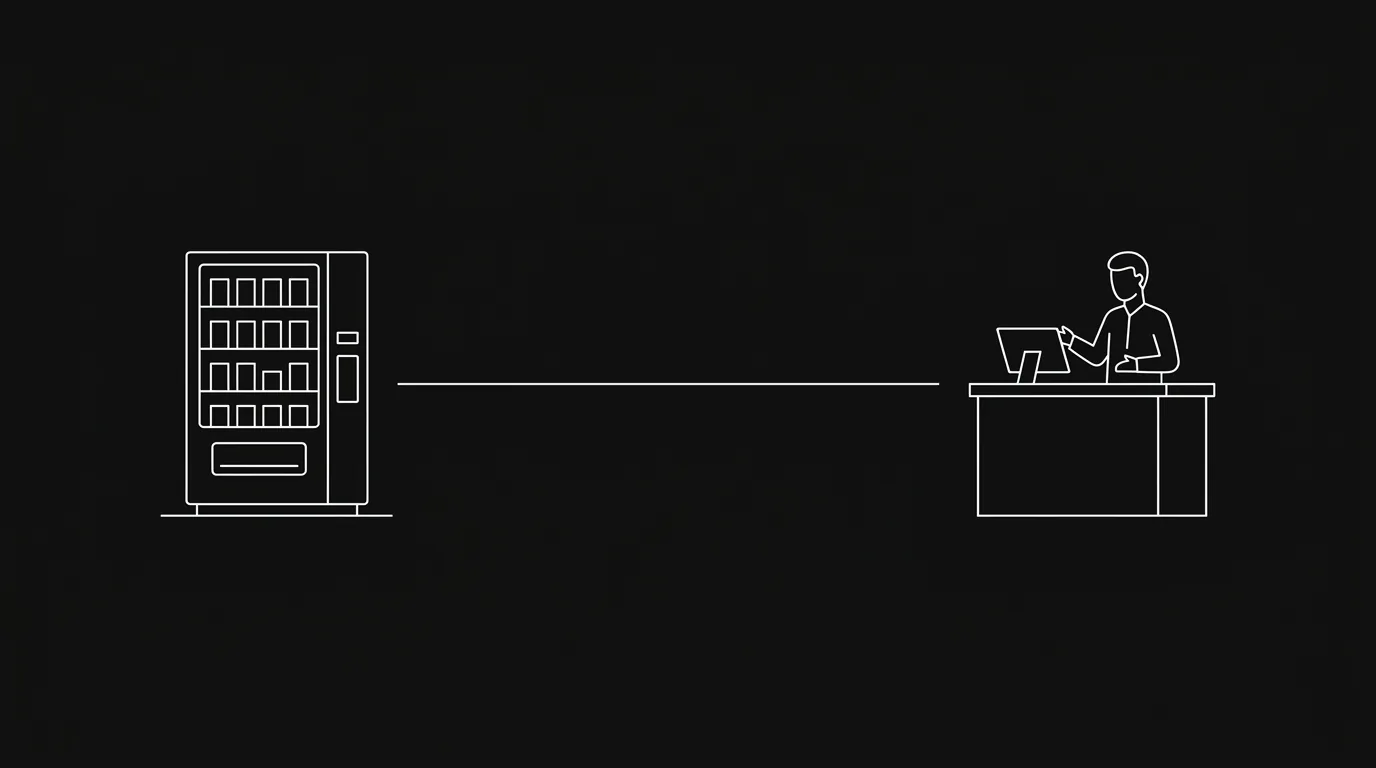
Here’s a useful mental model: think of MCP as a fully-staffed API counter and the CLI as a vending machine.
The API counter is more helpful when you don’t know exactly what you need — the staff (tool schemas) are there to guide you, the conversation flows naturally, and the service is richer. But staff cost money even when you’re just browsing.
The vending machine is what you want at 3am when you know exactly what you want, you want it fast, and you don’t want to pay for ambient service. It doesn’t know you’re there until you press a button. When you’re done, it forgets you.
For agents, this maps to a concrete decision rule: if the interaction is a session, use MCP; if the interaction is a command, use CLI.
One important nuance: “token cost” here refers to context window usage during a session, not a separate billing line item from Hypertask. Hypertask charges the same on pricing regardless of which access method you use. The token savings show up on your LLM provider’s invoice, not Hypertask’s.
Hypertask Is the Only PM Tool That Offers Both
Most project management tools have adapted to AI by adding an integration or two. Hypertask was built with the assumption that agents and humans share a board as equals — which means the access patterns humans use (CLI for power users, keyboard-first UI for everyone else) needed to also work for agents.
The MCP server exposes 15 tools covering the full task lifecycle: list, get, create, update, move, search, assign, comment, and manage inbox notifications. The CLI mirrors those capabilities and extends them — it’s where features like label assignment and due dates landed first.
Both are documented at Hypertask CLI and MCP docs and described on the CLI and MCP features page.
Frequently Asked Questions
What is the difference between CLI and MCP for AI agents?
CLI is a shell-based interface where agents invoke commands directly, get structured output, and exit — no persistent session, no context window overhead. MCP (Model Context Protocol) is a tool-calling interface built into LLM clients like Claude Desktop; tool schemas load into the context window for the session and the agent makes calls conversationally. CLI is cheaper per operation at scale; MCP is richer for interactive workflows.
Does using MCP actually cost more tokens than CLI?
Yes, in the sense that MCP tool schemas occupy context window space for the duration of the session. The tool descriptions and parameter schemas for all registered tools are loaded when the session starts. This overhead is fixed per session, so for a long interactive session with many turns the amortised cost per turn is low — but for a short loop that fires once and exits, CLI avoids that cost entirely. The difference becomes meaningful at high frequency: dozens of runs per day, hundreds per week.
Can I use both CLI and MCP in the same project?
Yes — Hypertask supports both simultaneously. A common pattern: use MCP during planning and strategy sessions (Claude Desktop, Claude Code) and use CLI for automated overnight loops (cron, CI/CD). The underlying data is the same; the access pattern is what changes.
What tasks can the CLI do that MCP can’t currently handle?
As of mid-2026, labels on task create/update and due dates are only settable via the CLI (or the UI). MCP is adding functionality continuously, so check the changelog for updates. For agents that need to set due dates or manage labels programmatically today, the CLI is the right choice.
Is the Hypertask MCP server compatible with clients other than Claude Desktop?
Yes. The MCP server works with any MCP-compatible client: Claude Code, Cursor, Windsurf, and any other client that supports SSE transport. Claude Desktop is not a requirement — it’s just the most common entry point for interactive MCP sessions.
The Bottom Line
- CLI is the right default for autonomous agent loops: low token overhead, composable with shell tools, full feature coverage including labels and due dates, no LLM client required.
- MCP is the right choice for interactive sessions in Claude Desktop, Claude Code, Cursor, or Windsurf — where the richness of multi-turn tool calls outweighs the fixed context overhead.
- The token cost difference is mechanical, not marketing: MCP tool schemas live in the context window for the session; CLI output is ephemeral. Both are correct observations, not a claim that one is categorically better.
- Hypertask is the only project management tool that offers both a CLI and an MCP server for agent access — meaning you pick the right tool for the context, not the one your PM tool happened to build.
- For most teams, the practical answer is: start with MCP (easier to set up, better for exploration), switch to CLI for any workflow that runs more than a handful of times a day.