
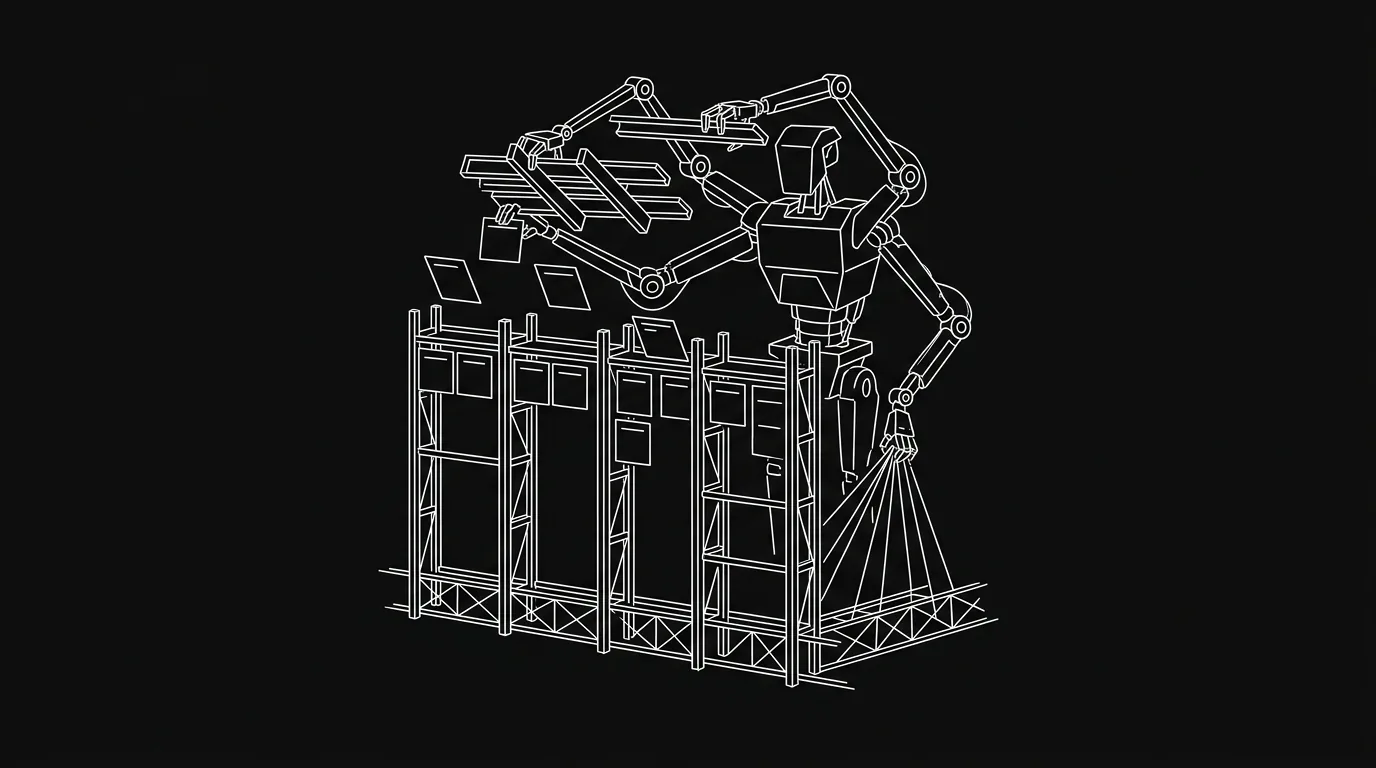
There’s a version of “AI-powered project management” where the agent helps you write a better task title. That’s fine. It’s not what we’re building.
When we shipped create_board via the Hypertask MCP server, we gave agents the ability to scaffold an entire project board from a single call: sections, labels, and a full set of starter tasks, all from a structured manifest. Not one task at a time. The whole thing.
That’s a deliberate design choice, not scope creep. This post explains the reasoning.
The Bottom Line
- Agents that can only create individual tasks still need a human to design the board around them.
create_boardlets an agent stand up a full project structure from a single manifest call.- The manifest is structured: humans review before the board goes live. Autonomy with a frame.
- This is what “agent as first-class participant” looks like at the project level, not just the task level.
- The right level of agent authority is the smallest unit of real delegation: the project, not the to-do item.
What Does “AI-Supported” Actually Mean for Most PM Tools?
Most project management tools that claim AI support are honest about what they mean, just not explicit. The AI helps you draft a task description. It auto-fills a due date. It suggests a label. These are useful, narrow operations on a single record.
They’re narrow by design. The tools weren’t built with agents in mind. They were built for humans who use a browser, and the AI was layered on top of that assumption. So the AI operates at the level the UI allows: one field, one task, one action.
Nothing about this is wrong. But it means the agent is permanently in an assisting role. It can help you fill in the form. It can’t fill in the whole form-system. The board structure, the section names, the label taxonomy, the set of tasks that make up a project sprint: all of that still comes from the human.
In the early Hypertask builds, our MCP server could create tasks. Agents used it. But they were still operating in a board that a human had set up. When someone wanted to spin up a new project, the agent could populate it with tasks, but only once the human had created the project, named the sections, and set up the labels. The scaffolding was always human work.
That’s a significant constraint when your goal is to hand a project to an agent, not just a chore.
Why Board-Level Autonomy Is the Right Threshold
Here’s the practical question: what’s the smallest unit of work you can meaningfully delegate to an agent?
A task isn’t it. A task is a unit of execution, not planning. You can hand an agent a well-specified task and it’ll do it. But you still wrote the spec, placed it in the right section, labeled it correctly, and decided it belonged in this sprint rather than the next.
That’s not delegation. That’s supervision with extra steps.
The meaningful threshold for delegation is the project setup level. When you hand a project to a capable person on your team, you don’t hand them one task to start. You give them the brief and let them structure the work. They decide what sections make sense, what the first sprint looks like, what tasks are blockers vs. nice-to-haves. Board-level autonomy is what makes an agent look like that person, not like a keyboard shortcut.
A board an agent built is a board you can inspect, approve, and iterate on. It’s a starting proposal with structure. A list of tasks with no surrounding structure is just noise.
The analogy that keeps coming up internally: you wouldn’t hire a contractor and then stand next to them deciding which room they paint next. You give them the floor plan and walk away. create_board is the floor plan handoff.
How create_board Actually Works
The tool takes a structured manifest. You pass it the team ID, a board title, and three arrays: sections, labels, and tasks. The agent generates the whole thing in one MCP call.
A minimal manifest looks roughly like this:
{
  "team_id": "your-team-id",
  "title": "Q3 API Refactor",
  "sections": ["Backlog", "Todo", "Doing", "Review", "Done"],
  "labels": ["backend", "breaking-change", "needs-spec"],
  "tasks": [
    {
      "title": "Audit current endpoint surface",
      "section": "Backlog",
      "labels": ["backend"]
    },
    {
      "title": "Define deprecation policy for v1 routes",
      "section": "Backlog",
      "labels": ["needs-spec"]
    }
  ]
}
The agent doesn’t invent the structure out of nowhere. It fills a manifest you can inspect before anything is created. That’s important. The manifest is the checkpoint. You review the proposal in plain JSON, ask the agent to revise any section, and then confirm. The board only exists after you say yes.
This matters because agent autonomy without a review step isn’t autonomy. It’s chaos with extra latency. The manifest pattern gives agents enough room to do real planning work while keeping the human in the loop at the right point: before the structure is set, not after every individual task.
How Does Board Creation Change the Human-Agent Division of Work?
Before create_board, the split looked like this: humans designed the board, agents executed tasks on it. The board was human infrastructure. The agent was labor.
After, the split can look like this: you describe the project goal, the agent proposes the board structure, you approve, the agent executes. The board becomes a shared artifact, jointly authored.
We use this internally for client work. When a new project comes in, Claude Code drafts a board from the brief. Nine times out of ten, the section structure is right. The task list needs trimming and the labels need adjusting. But the scaffolding is there in under a minute, and the revision is fast because there’s something concrete to react to.
That’s a different kind of speed than “AI autocompleted my task title.” It’s the speed of not having to start from a blank board.
If Agents Can Build Boards, What Stops Them Getting It Wrong?
Autonomy without structure isn’t useful. An agent that can create anything can also create chaos.
The manifest format is the guardrail. It’s structured JSON, not freeform text, not a chat conversation, not an open-ended “create a project for me.” The agent fills a schema. You see exactly what it produced before it exists. Nothing is irreversible at the proposal stage.
After approval, the board behaves like any other Hypertask board. Humans can move tasks, add comments, reassign sections, delete things the agent got wrong. The agent’s output is a starting point, not a commitment.
Most conversations about “agent guardrails” focus on preventing agents from doing harmful things. But the more common failure mode in real workflows isn’t harm. It’s silent incoherence. An agent creates tasks that don’t relate to each other. It invents a section called “Miscellaneous” and dumps half the work there. The manifest format prevents this not by restricting what the agent can propose, but by making every proposal legible and reviewable before it becomes real.
The goal isn’t a tighter leash. It’s a clearer handoff document.
Reviewing the manifest tells you what the agent proposed. Tracking what it did once the board went live is a separate problem — knowing what your agents actually did covers that side of it.
Isn’t This Just a Template Generator?
Worth addressing directly: you might read this and think “that’s just a project template with extra steps.”
It’s not, for one reason: the manifest is generated from context, not selected from a menu.
When you use a template, you pick from a list of pre-built structures and fill in the blanks. The structure is static. When an agent generates a manifest from a brief, the structure reflects the specific project: the domain, the team size, the constraints you mentioned, the scope you implied. Two briefs for two different API projects will produce two structurally different boards.
That’s generative, not templated. The difference shows up immediately in the task list. A template gives you generic tasks. An agent-generated board gives you tasks shaped by the specific context of the brief.
Is it perfect? No. The agent will miss things, over-specify others, and occasionally propose a section you don’t need. But it’s a useful first draft, not a blank page.
Where This Fits in the Cluster’s Argument
This cluster’s core thesis is that agents should be first-class participants in project management: not tools you babysit, but collaborators you delegate to. If you accept that thesis, board creation is the natural next step.
Giving an agent access to read and update tasks (which MCP and CLI already provide) makes the agent a good executor. Giving an agent the ability to build the board makes it a planner. Those are different roles with different levels of trust, and both are worth building toward.
The more basic version of this argument — why an agent needs a real board at all, rather than a pasted task list — is worth reading alongside this one. This post assumes you’ve accepted that, and asks the next question: how much of the board should an agent build?
The agent-as-planner role is the one that actually changes how much of the coordination overhead a human carries. When an agent can draft the work structure, not just do the work, the human shifts from coordinator to reviewer. That’s a better use of both.
Frequently Asked Questions
What exactly does create_board send to the Hypertask MCP server?
The tool takes a structured JSON manifest containing four fields: team_id, title, sections (an array of column names), labels (an array of label strings), and tasks (an array of task objects, each with at minimum a title and a target section). One call, one round trip. The board is created in full if the manifest is valid.
Does the agent create the board automatically, or does a human have to confirm?
The review step is in your hands. The agent produces the manifest, but you control when the MCP call fires. In practice, most teams build a quick review step into their workflow: the agent outputs the JSON, a human checks it, then the call runs. Nothing prevents an agent from calling it autonomously if you want that, but the manifest format makes a review step trivially cheap to add.
Can the agent revise the board after creation?
Yes. All standard MCP tools work on a board the agent created: hypertask_create_task, hypertask_update_task, hypertask_section, and the rest. The board is a normal Hypertask board once it exists. The agent can add tasks, move them between sections, update labels, and post comments like any other board participant.
What’s the relationship between create_board and the task-level MCP tools?
create_board handles setup. The other MCP tools handle the ongoing work. The intended workflow is: agent scaffolds the board, humans approve, then the agent (or humans, or both) use the standard tools to work through the tasks. Setup and execution are deliberately separate.
Is this only useful for new projects, or can an agent scaffold a board mid-project?
In principle, an agent can call create_board at any point. But the most natural use is at project kick-off, when the board is blank. Mid-project, it’s usually more efficient to use hypertask_section to add a new column or hypertask_create_task to bulk-add tasks to an existing board. The manifest format is designed for from-scratch setup, not for surgical mid-project additions.